Reading the world map and finding your next guide
Use the digital world map, search verified references and distinguish geographical locations from scenario unlock relationships.
How do you explore the map?
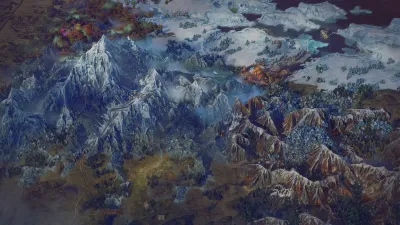
Open the interactive world map. Drag to move, pinch or use the zoom controls, and reset to return to the whole image. Select the Frosthaven settlement marker to connect the map to outpost guidance. On a phone, switch between map and searchable locations.
What do the markers mean?
Markers are based on locations identifiable in the official digital screenshot. Unverified scenario positions are deliberately not plotted. A quest being unlocked after another quest does not establish that it is geographically beside that quest.
How do you find a scenario?
Use the scenario name-and-number index, then read the current in-game objective and rules. The wiki does not currently claim a complete coordinate set or full tactical map library. Prepare the party with getting started and outpost planning.
Sources and version notes
Researched on October 16, 2026 for the digital edition. Strategic recommendations are editorial advice; they are not represented as hands-on testing. Refer to current in-game tooltips when a patch changes an interaction.
- Frosthaven Steam store — Digital: release date, six starters, co-op, outpost and combat overview
Gallery
Related Articles
enemies
Enemy field guide: read the action before you move
Read enemy actions, inspect current digital rules, and prepare for named enemies confirmed in official Frosthaven patch notes.
guides
Coordinate co-op turns without slowing every round
Agree on outcomes, movement lanes and shared resources. Use short planning calls so everybody can contribute while retaining flexibility.
guides
Frosthaven digital vs tabletop: what to check
Use tabletop references carefully: learn which parts of the digital Frosthaven adaptation require their own verification.
Was this helpful?
Thank you. You can report a correction through the contact page.